Tutorial: Building and Debugging the bitmap-plasma Project with VisualGDB
This tutorial demonstrates how to build and debug the bitmap-plasma sample provided by Android NDK.
For this tutorial, ensure that at least VisualGDB 2.0 or later version is installed with the Android Edition.
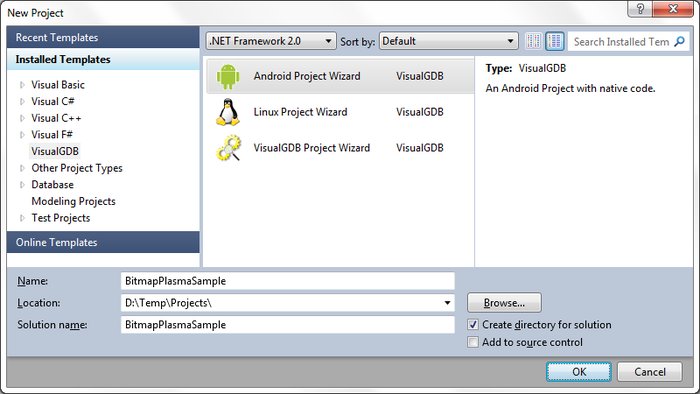
- Start Visual Studio. Go to File->New->Project. Choose VisualGDB->Android Project Wizard. Choose the name and location for the project as you wish.
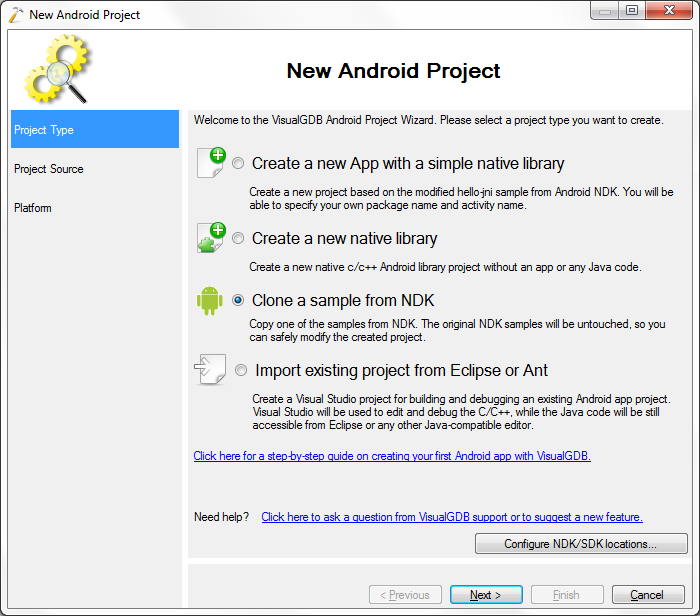
- Choose the ‘clone a sample from NDK’ option. Note that you may need to ‘Configure NDK/SDK location’ if this is your first VisualGDB Android project and the project options are shown as disabled. Press ‘Next’ when done.
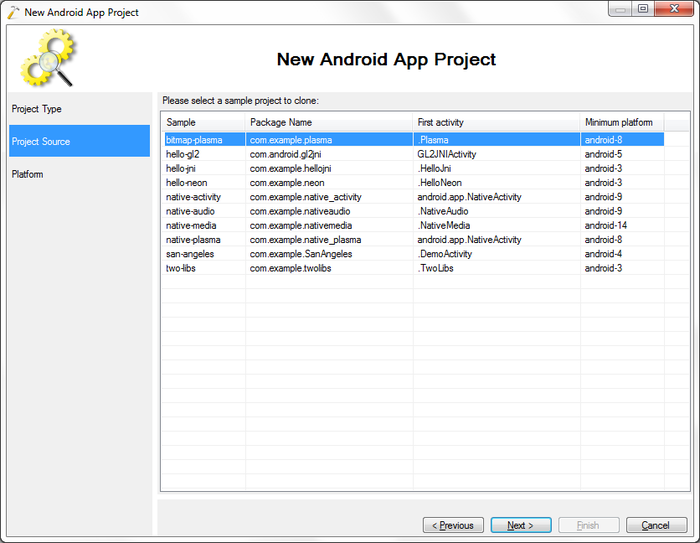
- Choose the bitmap-plasma sample. Press ‘Next’.
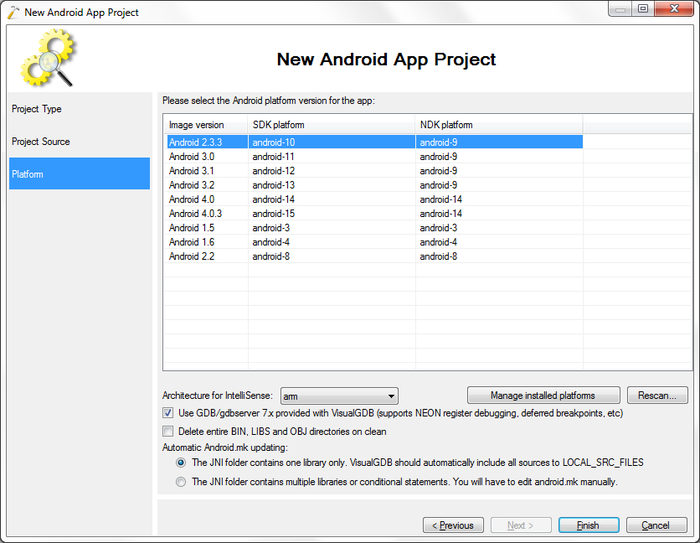
- Choose at least SDK platform 8 for this sample. Press ‘Finish’ to exit the wizard.
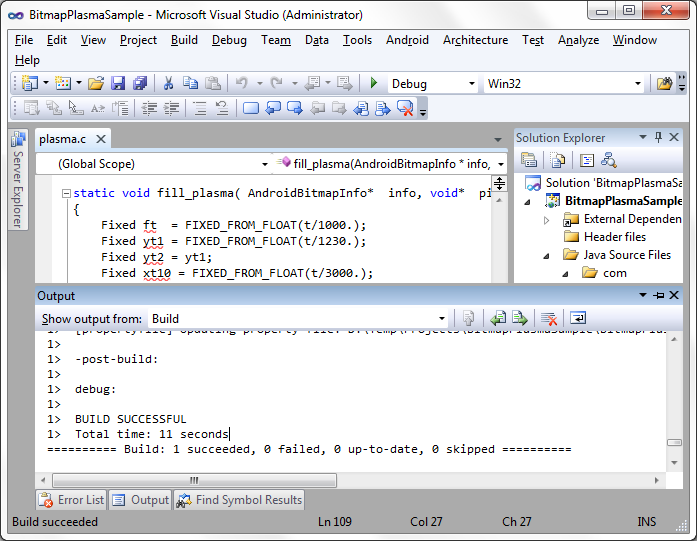
- Now we have a sample project copied from Android NDK. Go to Build->Build Solution to build the project.
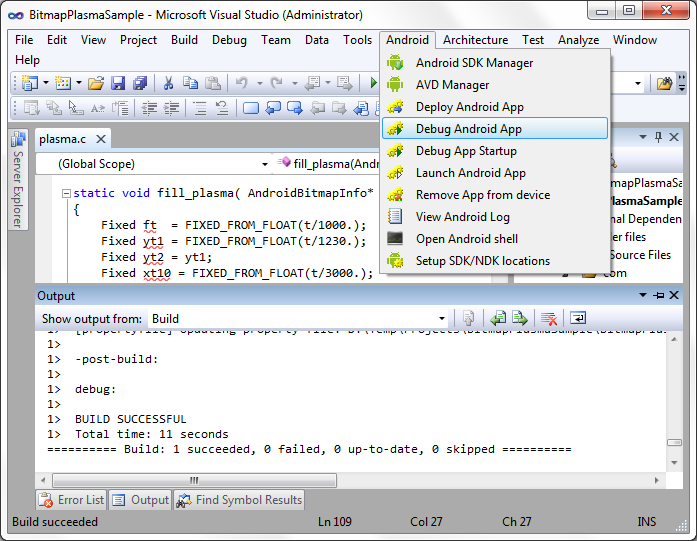
- Next connect an Android device or emulator and make sure it is started. Then go to Android->Debug Android App to start debugging.
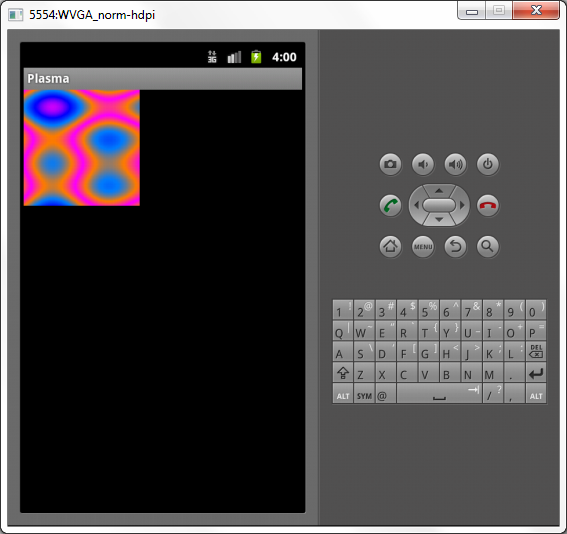
- Once the app is successfully started the screen of the device should contain a square of moving plasma.
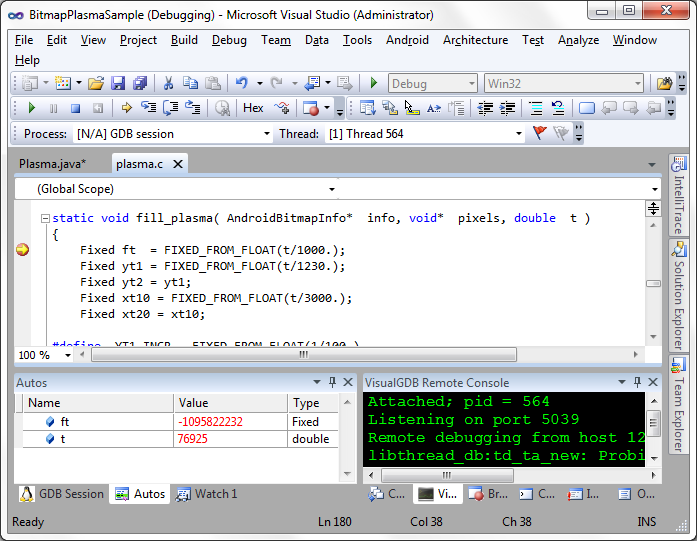
- Go back to Visual Studio and open the file plasma.c. Go to line 180 and press ‘f9’ to set a breakpoint just inside the fill_plasma function. The breakpoint should be hit soon, as the fill_plasma function is used to draw the moving plasma. Congratulations, you are successfully debugging the bitmap-plasma sample.