Using AI to Simplify C/C++ Code
This tutorial continues the series where we are using AI to turn a third-party open-source HTTP server for Raspberry Pi Pico into a smart thermostat. In the previous tutorial we created functions for processing API calls from the browser, and invoking thermostat functions. However, this produced some duplicate code that can be simplified. In this tutorial we will use AI to refactor commonly used logic into separate functions, and will update the callers to use it.
Before you begin this tutorial, follow the previous one, or check out the 04-simplifying tag from the tutorial repository.
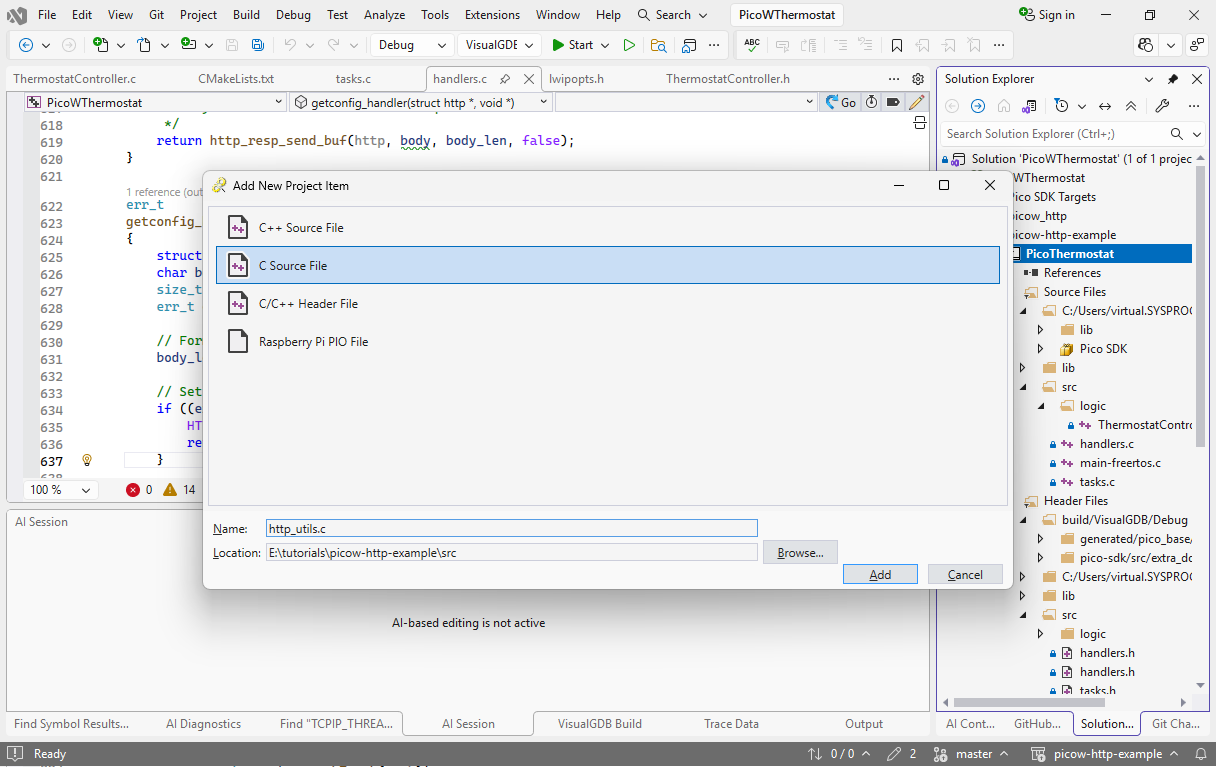
- First of all, create files called http_utils.c and http_utils.h in the src directory and make sure the source file includes the header file:
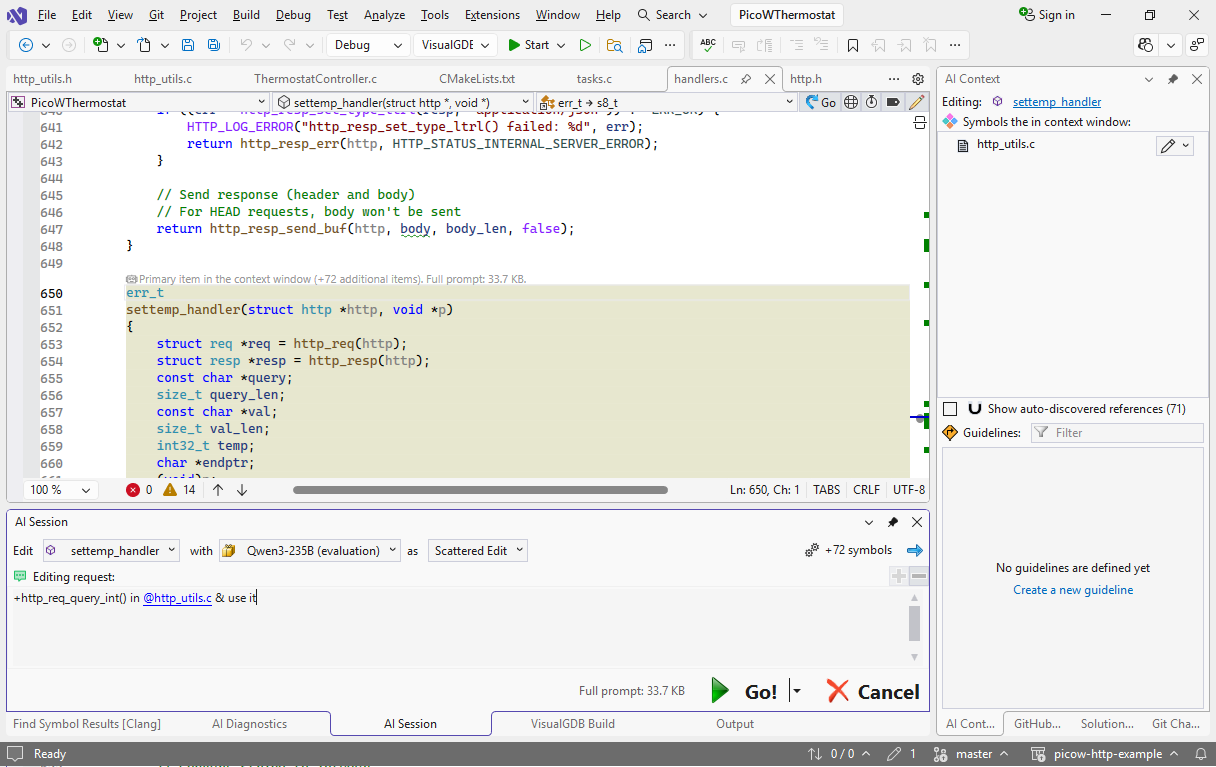
- If you take even a brief look at the settemp_handler() function, you will notice that more than half of it is dealing with getting an int32 out of the HTTP query string. It would make the main function much more readable, if instead of 3 function calls and 2 extra checks it just called something like http_req_query_int(). AI can do this very easily if you start editing settemp_handler() and use this prompt:
+http_req_query_int() in @http_utils.c & use it
- Several seconds after we have the first draft:
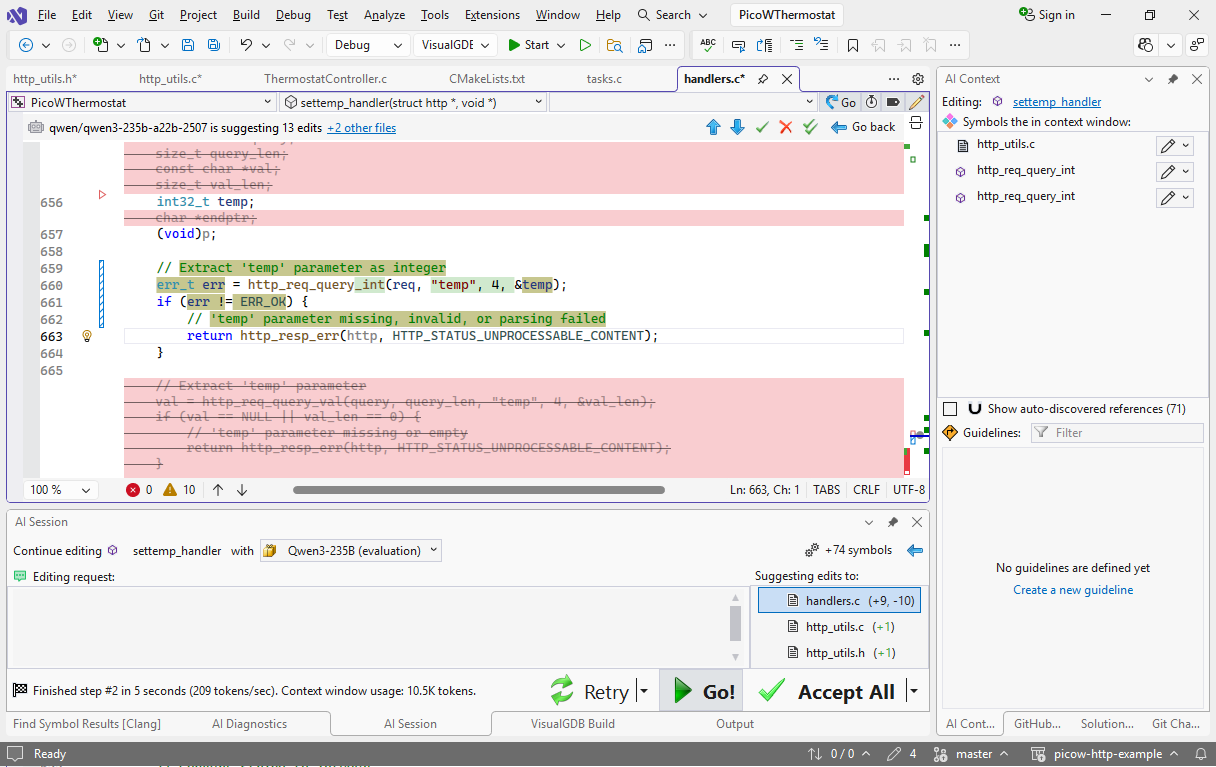 While it does technically work, it has copied 2 inefficiencies from the original design: explicitly specified length of the field (e.g. 4 for “temp”) and an extra check for the result length.
 - This can be fixed with a refinement prompt:
no name_len arg
enum kMaxIntLength inside func + single check on it
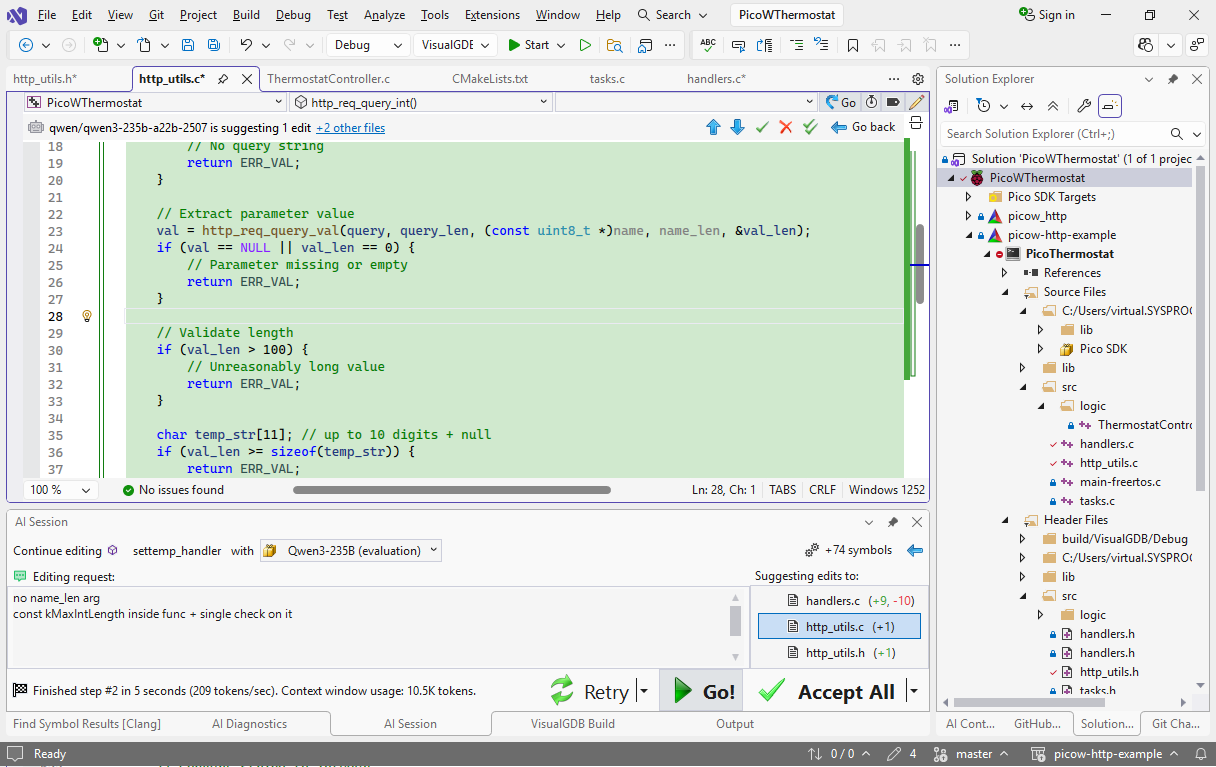
- Two seconds later the AI has applied the fixes, updating the function, the declaration and the call:
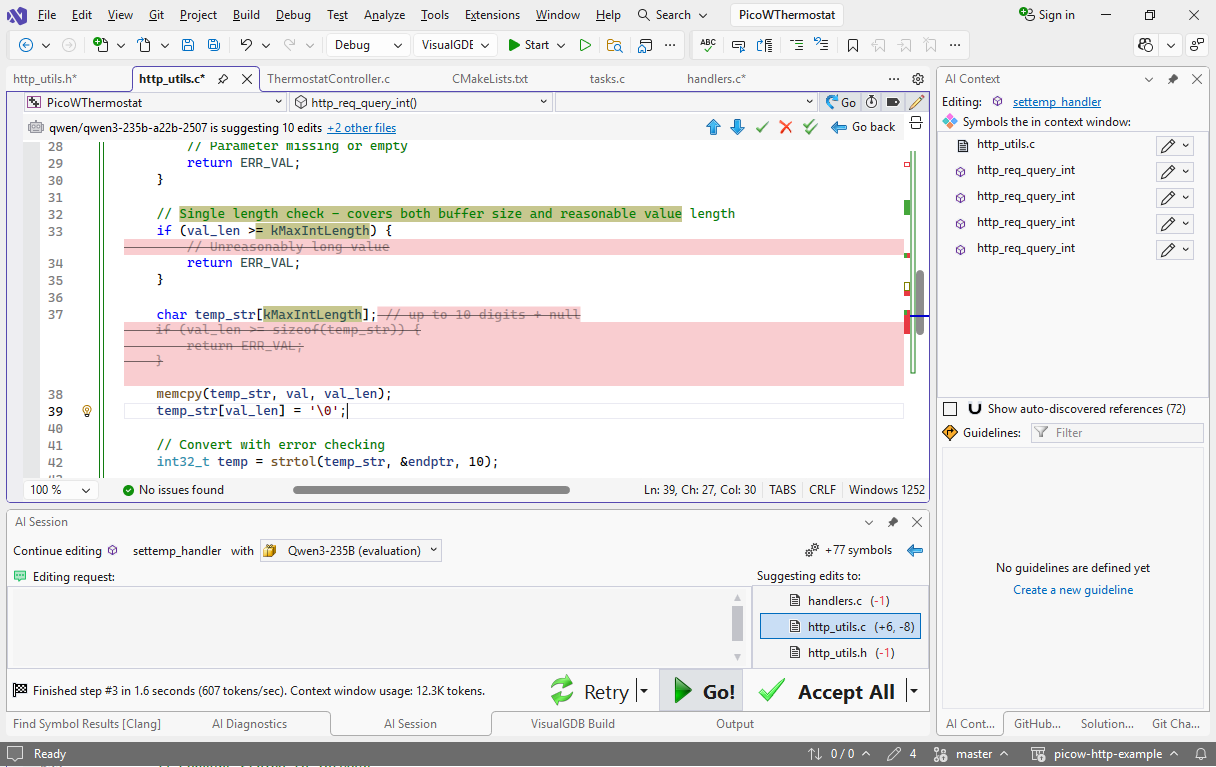 You can always brush it up further (e.g. using sizeof(temp_str) instead of the constant), but letting the AI do the bulk of the work is always faster than doing it by hand.
 - The next huge redundancy is the way the handler functions send the HTTP replies. This requires separate function calls for formatting the reply, setting content type, cache policy, etc. This should be easily doable with one function call, and the AI can do that refactoring. Start another editing session with settemp_handler() and use this prompt:
+http_format_and_send() with varargs in @http_utils.c . take contentType + enum http_format_flags (ffNoCache).
measure with sprintf, then @pvPortMalloc + send + @vPortFree
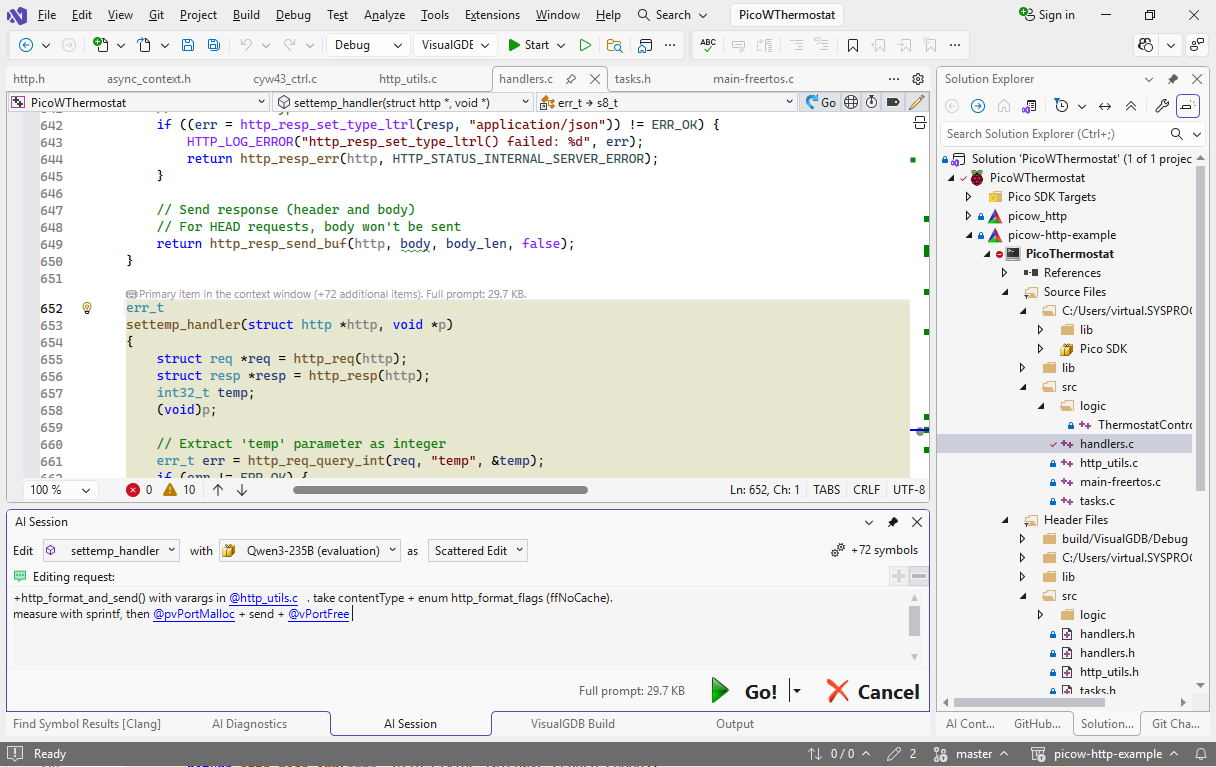 If pvPortMalloc() and pvPortFree() are not shown in the suggestion popups as you type the prompt, include “FreeRTOS.h” from the beginning of the file.
 - Since VisualGDB automatically pulled all relevant declarations into the context window, the model had no problem getting a working function from the first try:
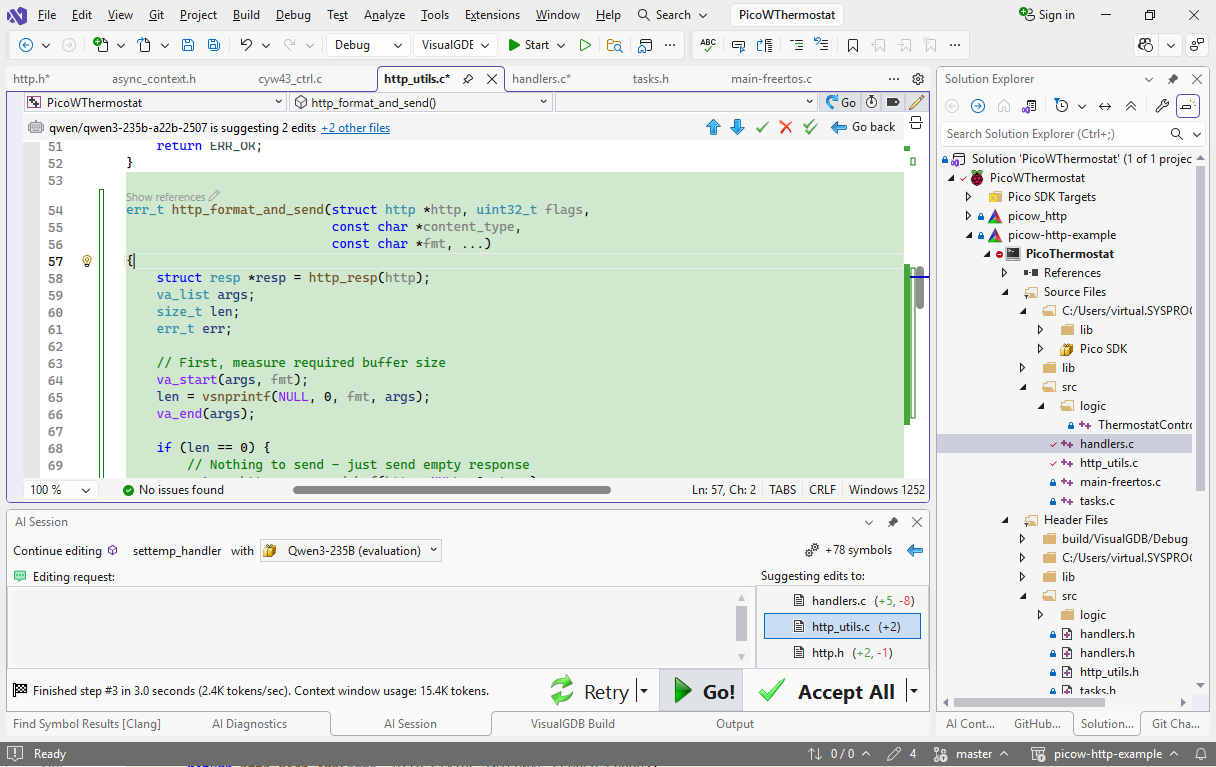 You may need to manually adjust includes (e.g. LLMs tend to include portable.h that defines pvPortMalloc() instead of FreeRTOS.h that has other definitions), but for the function itself should be just fine.
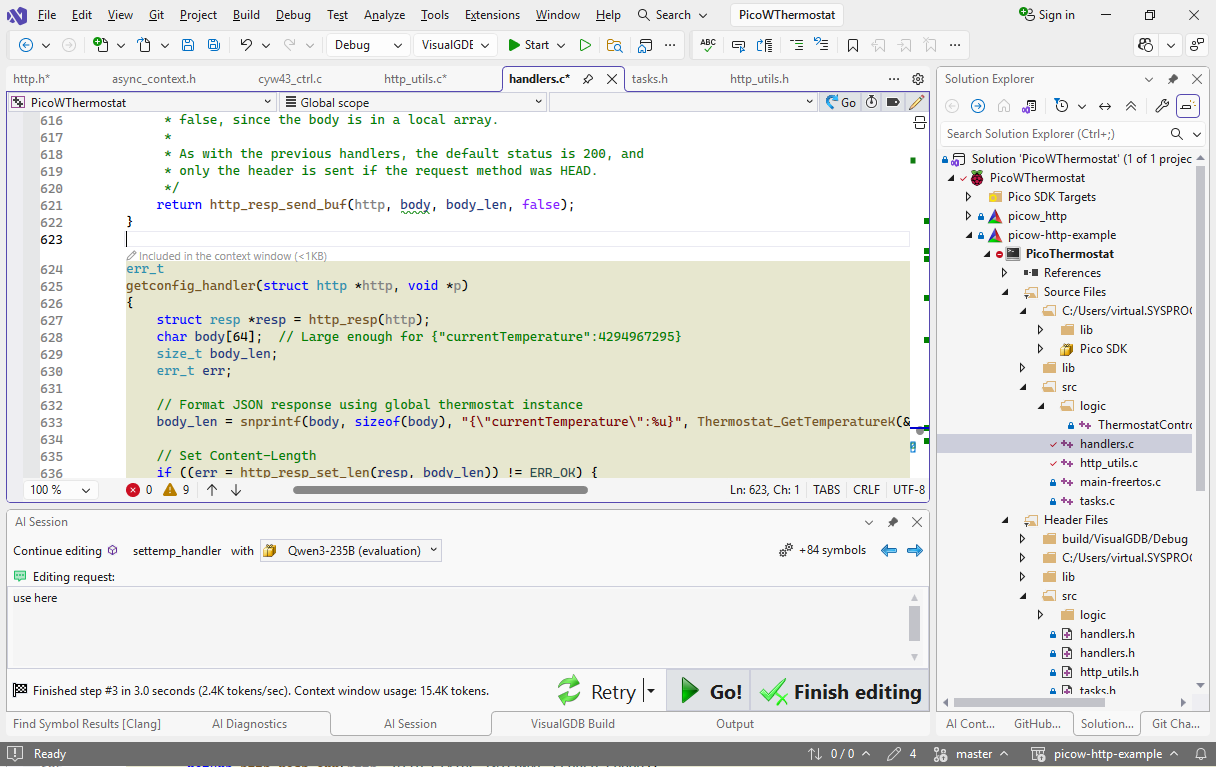
 - Now we can start updating other functions. Without finishing the AI session, add getconfig_handler() to the context window and say “use here” in the prompt:
- You can do the same for the other functions that send the reply. Add them in the next steps (one per step, or all of them together) and the model should figure it out even without any prompt:
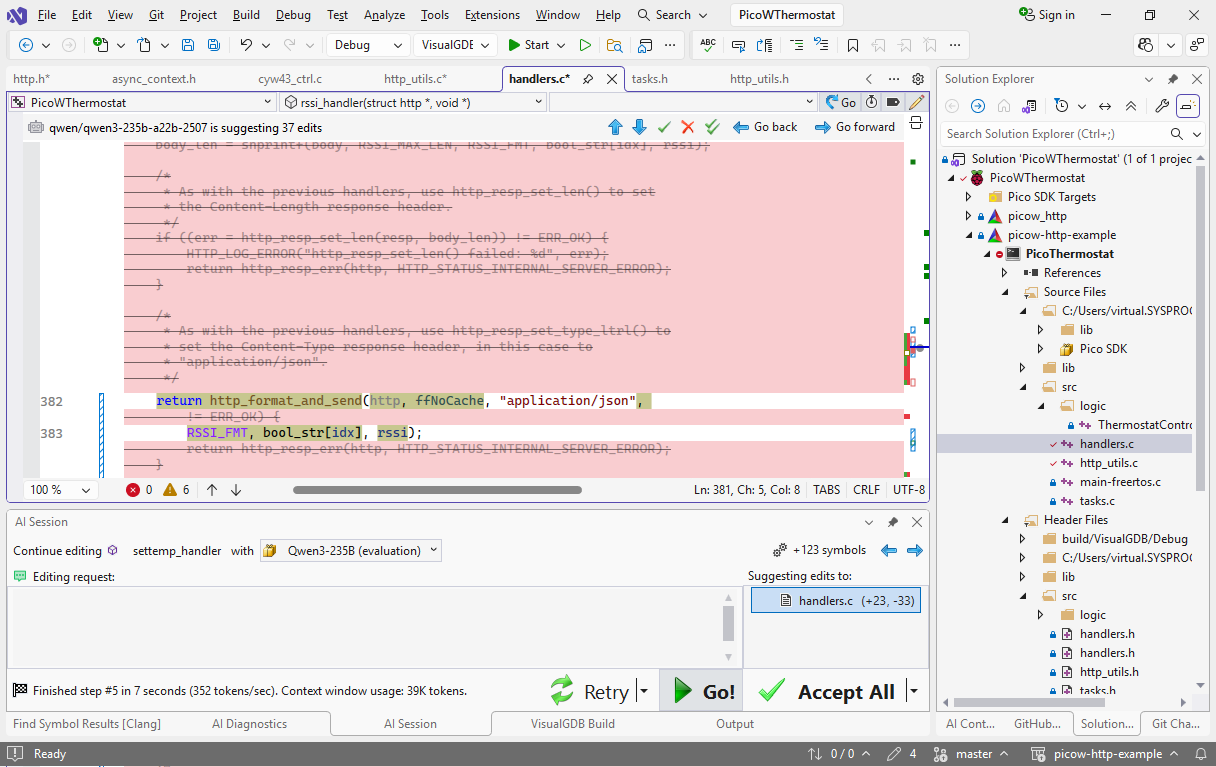 Note that continuing the same AI session would re-send all the previous conversation to the langauge model. It will give it more context (the exact edits it performed), but will require more time. Starting a new session would work faster, but the AI will have to guess what to do based on the declaration of http_format_and_send() and the preceding comments.
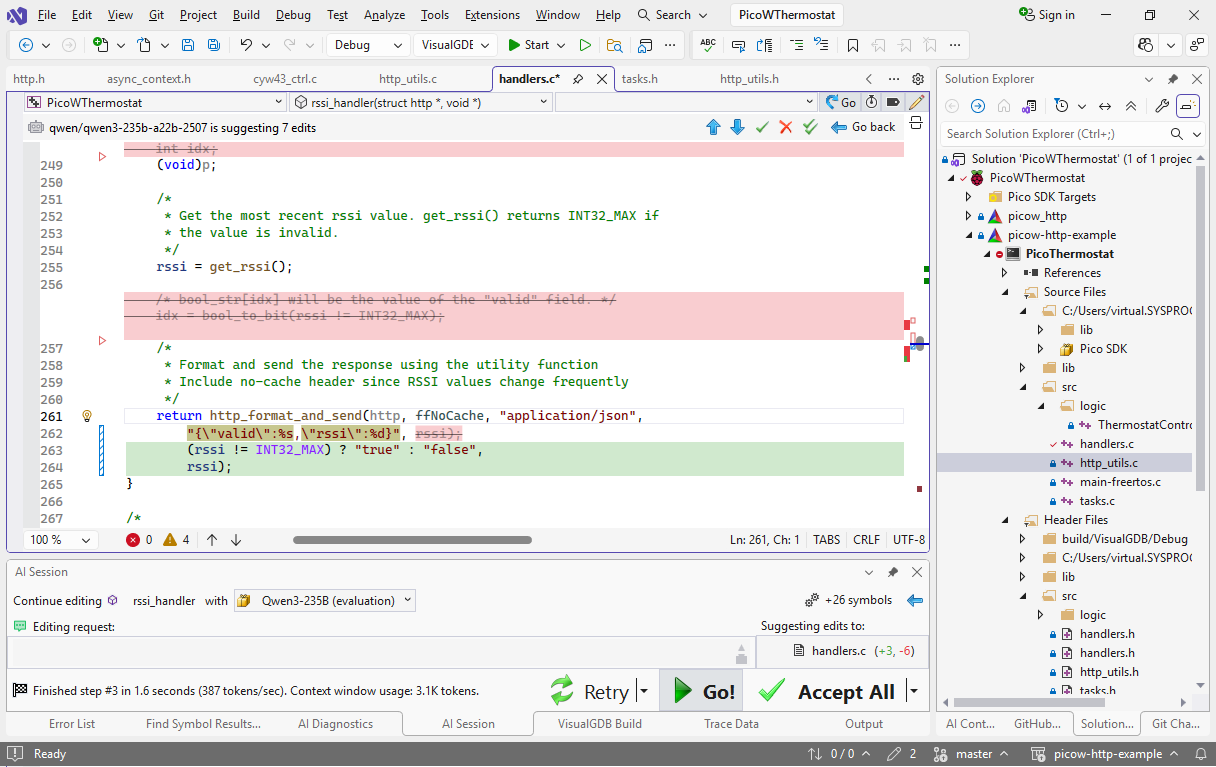
 - You can use AI to brush up the code further. E.g. rssi_handler() relies on a couple of external variables that can be inlined:
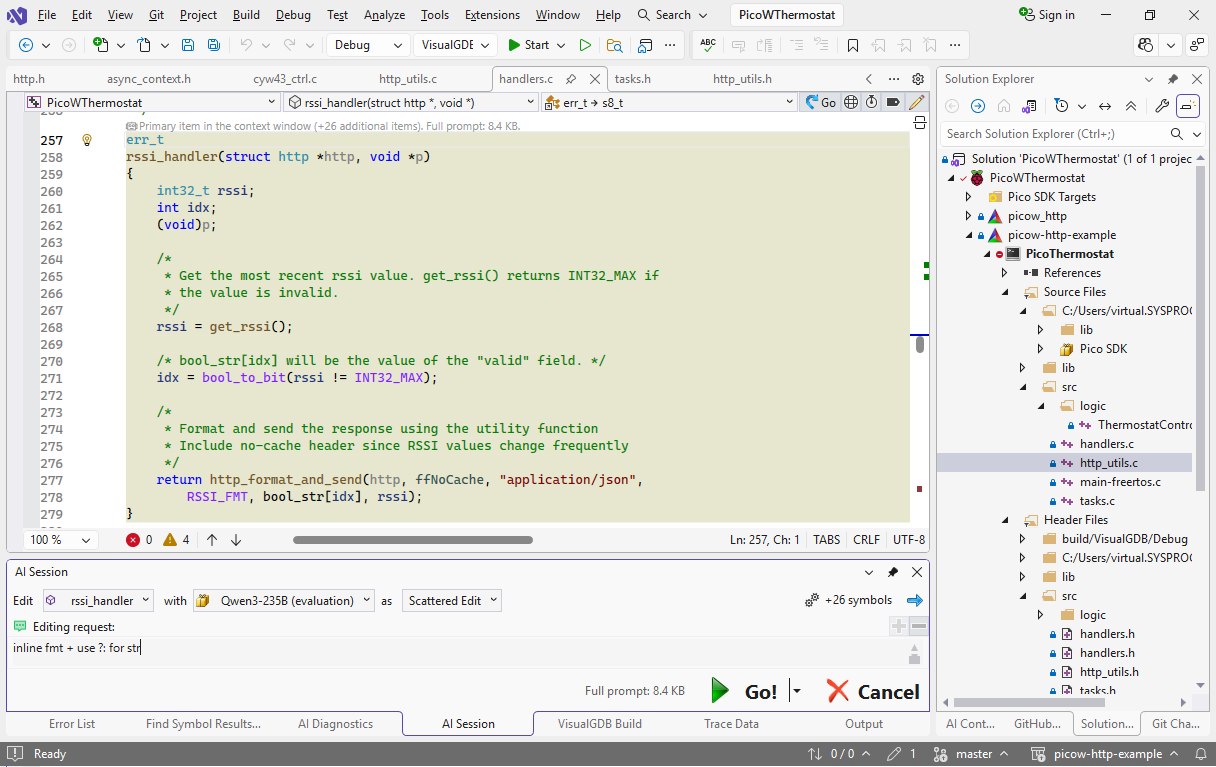
- A simple prompt of “inline fmt + use ?: for str” makes it a bit more readable in under 2 seconds: